DIY Guide to Setting Up Your Reputation Management Dashboard


Introduction to Reputation Management
In today's digital age, maintaining a strong online presence is crucial for both individuals and businesses. A well-structured reputation management dashboard allows you to monitor what is being said about you or your brand and respond proactively. Setting up this essential tool is easier than you might think, and this guide will walk you through the steps.

Understanding the Basics
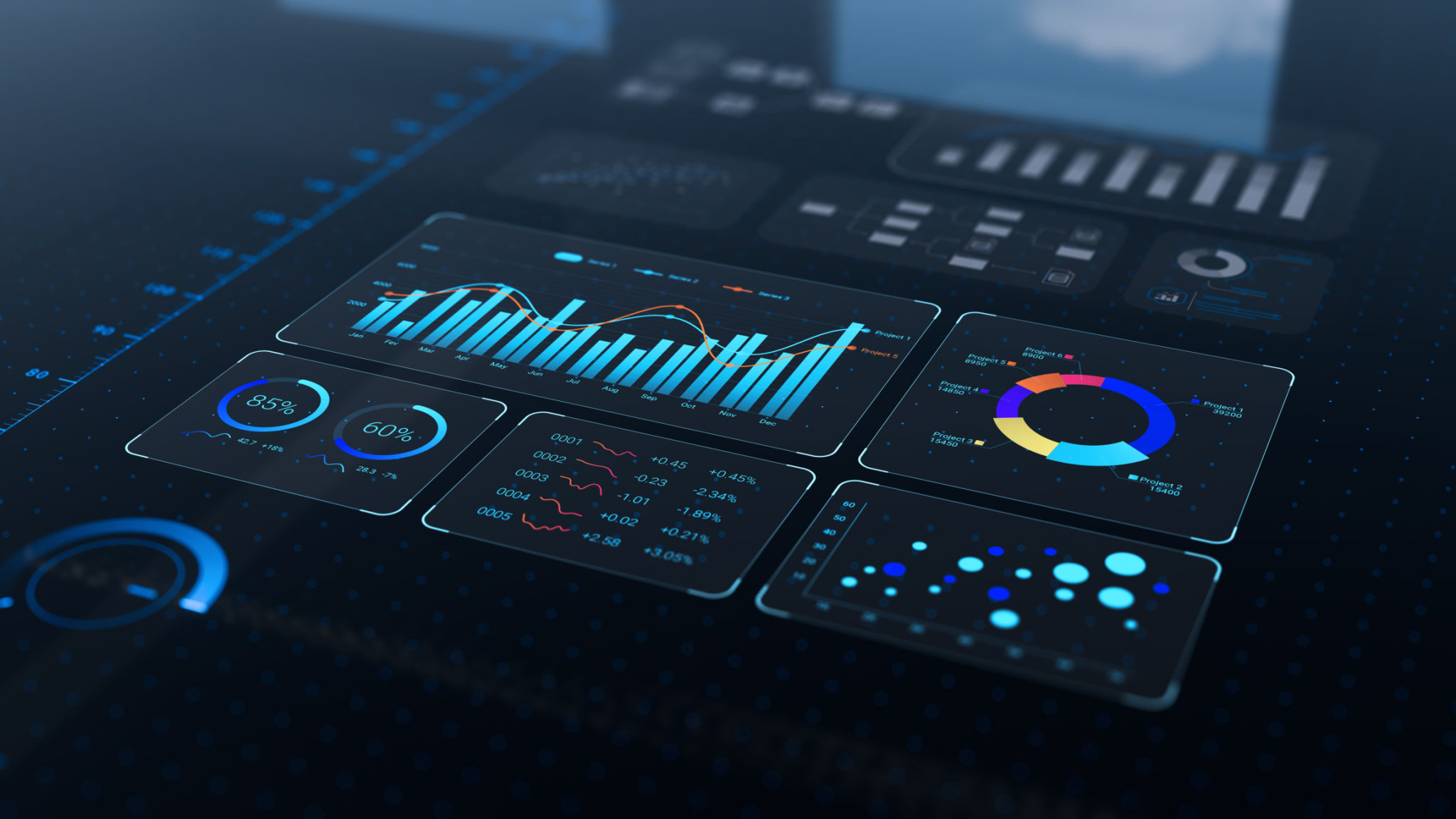
Before diving into the setup, it's important to understand what a reputation management dashboard does. Essentially, it aggregates data from various sources, including social media, news outlets, and review sites, to provide a comprehensive view of your online reputation. This allows you to monitor sentiment, track changes over time, and identify areas that need attention.
Key Components of a Dashboard
When setting up your dashboard, consider including these key components:
- Social Media Monitoring: Track mentions and conversations on platforms like Twitter, Facebook, and Instagram.
- Review Aggregation: Collect reviews from sites like Yelp, Google, and TripAdvisor.
- News Alerts: Stay updated with news articles and blog posts mentioning your brand.
Choosing the Right Tools
There are several tools available to help you create an effective reputation management dashboard. Popular options include Google Alerts, Hootsuite, and Brandwatch. Each tool offers unique features, so choose one that best fits your needs and budget.
Setting Up Alerts
One of the simplest ways to start monitoring your online reputation is by setting up Google Alerts. This free tool allows you to receive notifications whenever your specified keywords are mentioned online. To set up an alert, navigate to the Google Alerts website, enter your keywords, and choose the frequency of notifications.
Customizing Your Dashboard
Once you have selected your tools, it's time to customize your dashboard. Most platforms allow you to tailor the display to highlight the most relevant information. Prioritize the data that aligns with your objectives, such as customer feedback or competitor analysis.

Integrating Social Media
Social media is a critical component of reputation management. Integrate your social media accounts into the dashboard to easily track mentions and engage with your audience. Tools like Hootsuite enable you to manage multiple platforms from a single interface, streamlining your communication efforts.
Analyzing and Acting on Data
Once your dashboard is up and running, it's essential to regularly analyze the data it provides. Look for trends and patterns that may indicate areas of strength or concern. Use this information to proactively address potential issues and enhance your brand's image.
Continuous Improvement
Reputation management is an ongoing process. Regularly update your dashboard to include new sources of information and adjust your strategy as needed. By staying informed and responsive, you can effectively manage your online reputation and foster a positive public perception.