
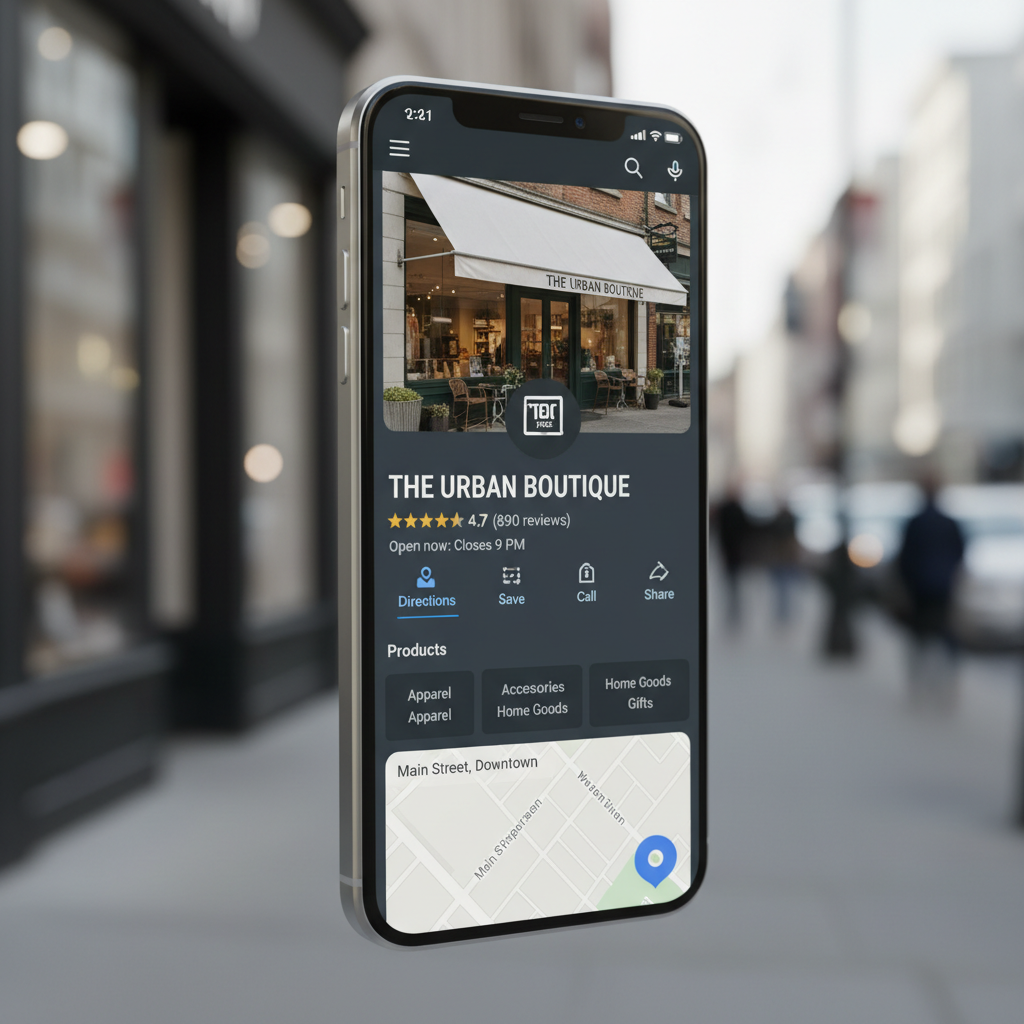
You can learn how to remove google reviews by flagging content that violates Google’s specific policies, such as harassment, fake reviews, or spam. While business owners cannot delete reviews themselves, they must report the review through their Google Business Profile and wait for an official assessment or appeal the decision if necessary.
A single malicious review can feel like an indelible mark on a business's hard-earned reputation. It creates immediate stress for owners who understand that a few unfair stars can skew their overall rating and steer potential clients toward competitors. In the sophisticated landscape of modern reputation management, your Google Business Profile acts as your digital front door; therefore, maintaining its integrity is a critical business priority. This guide provides a technical deep dive into Google's specific prohibited content policies to help you identify which comments actually qualify for deletion. You will learn the exact steps to report violations, how to navigate the official management tool for appeals, and how to utilize strategic dilution when a review remains stuck. We provide a practical, expert roadmap to help you reclaim control over your digital brand narrative.
The Hard Truth: Can You Actually Delete a Google Review?
For many Philadelphia business owners, seeing a notification for a new 1 star review can be a gut punch, especially when the complaint feels completely unjustified or fabricated. The immediate reaction is usually to look for a delete button. However, the hard truth is that you cannot directly delete a Google review. Google does not provide a feature for business owners to manually erase or hide feedback at their own discretion.
Understanding how to remove google reviews requires distinguishing between your preferences and Google's strict policy frameworks. There is no option to hide a review while you investigate a claim; once a review is public, it stays public unless Google determines it violates their specific content standards. Google avoids acting as a mediator in disputes over factual accuracy or customer service quality. If a customer had a genuine, albeit negative, experience, the review will remain.
Removal only happens when the content crosses the line into categories like spam, harassment, or fake engagement. Before attempting to change your Reputation Report, it is critical to realize that Google will not intervene simply because you disagree with a reviewer's perspective. For businesses using Review Pulse 360, success comes from understanding these boundaries and leveraging tools like Review Tap 360 to maintain a healthy, proactive profile.
Google Prohibited Content: The 10 Reasons a Review Can Be Removed
To successfully navigate how to remove google reviews, you must first identify which specific Google policy has been breached. Google does not act as a fact-checker for customer service disputes; they act as a moderator for platform integrity. If a customer claims your service was slow, that is a protected opinion. However, if the content is objectively prohibited, you have a clear path to removal.
Google Prohibited and Restricted Content generally falls into these ten specific categories:
Spam and Fake Content: The review must reflect a genuine experience at your business. Content posted multiple times from different accounts or reviews generated by automated bots are violations. If you can prove a reviewer was never a customer, it falls here.
Off-topic Content: This includes political rants, social commentary, or personal grievances that have nothing to do with the consumer experience.
Restricted Content: Reviews that promote the sale of regulated products like alcohol, tobacco, or medical devices are not allowed.
Illegal Content: Any review depicting illegal acts, copyrighted material, or links to malware will be removed.
Terrorist Content: Google has zero tolerance for content that promotes terrorist organizations or incites violence.
Sexually Explicit Content: This covers reviews containing profanity, sexual violence, or inappropriate imagery.
Offensive Content: Content that uses gestures, slurs, or epithets to offend others is prohibited.
Harassment: This includes reviews that target specific employees by name or contain personal threats.
Hate Speech: Content that promotes violence or incites hatred against protected groups based on race, religion, or disability is flagged immediately.
Conflict of Interest: You cannot review your own business, and competitors are strictly prohibited from leaving negative reviews to influence your Reputation Report. This also includes current or former employees airing workplace grievances.
It is vital to distinguish between a bad customer experience and a policy violation. The table below illustrates where Google draws the line:
Review Scenario | Classification | Actionable? |
|---|---|---|
"The food was cold and expensive." | Bad Experience | No |
"Don't shop here, vote for [Politician] instead!" | Off-topic | Yes |
"This store is owned by a [Hate Speech Slur]." | Hate Speech | Yes |
"I worked here and the manager is unfair." | Conflict of Interest | Yes |
For businesses using Review Pulse 360, identifying these violations is the first step in protecting your brand. If you believe a review falls into one of these buckets, you can leverage Review Tap 360 data to support your claim before beginning the official reporting process.
Step by Step: How to Report a Review for Removal
Moving from identifying a violation to taking action requires a precise sequence of steps within the Google ecosystem. To start, log into the Google account associated with your business and search for your company name on Google Search or Maps. This brings up the management interface directly in the search results.
Select the "Read reviews" button to view your public feedback history.
Scroll to the specific review you intend to flag.
Click the three vertical dots in the top right corner of that specific review box.
Select "Report review" from the dropdown menu.
Choose the violation category that best fits the situation.
Selecting the correct category is vital. If you select "Spam" for a review that is actually "Harassment," Google's automated systems may reject the request during the initial scan. This choice is the foundation of how to remove google reviews successfully. Once you submit the report, be patient. The evaluation typically takes several days.
A common mistake among business owners is reporting the same review multiple times from different accounts. This does not speed up the process and can occasionally flag your own account for suspicious activity. For those managing multiple locations with Review Pulse 360, tracking the status of these reports through the official Reviews Management Tool ensures nothing slips through the cracks. Using Review Tap 360 data can help verify if a reviewer was actually a customer before you submit your report to maintain your Reputation Report.
The Review Management Tool and the Appeal Process

If your initial report is denied, the process does not have to end there. Google provides a specialized Reviews Management Tool within the Google Business Profile Help interface to help owners track and contest decisions. This tool is essential for managing a complex Reputation Report; it allows you to see a centralized list of all reported reviews and their current standing.
To begin an appeal, access the tool and select your specific business location. Choose the option to check the status of a review you previously reported. You will see one of several statuses: "Decision pending" means the initial scan is ongoing, while "Report reviewed - no policy violation" indicates the request was rejected. If the review is eligible, you can then select the one-time appeal option. This is your final opportunity to provide a manual justification for how to remove google reviews that clearly breach platform rules.
Success in the appeal stage depends on concrete evidence rather than emotional pleas. If you utilize Review Tap 360 to track customer interactions, use that data to prove a lack of customer history. Explicitly state that your point-of-sale records show no transaction matching the reviewer's claims or name. If you are a victim of a coordinated attack, point out specific patterns, such as a sudden influx of 1 star ratings from accounts with no previous activity. Providing this level of detail to the human moderator increases the likelihood of a reversal. For users of Review Pulse 360, documenting these steps ensures your local SEO strategy remains protected from bad-faith actors.
Dealing with Extortion and Targeted Review Attacks
Navigating the murky waters of review extortion requires a calm, evidence-based approach. Review extortion occurs when an individual threatens to leave a 1 star rating unless the business provides a refund, free service, or other compensation. Google classifies this as a severe violation of their prohibited content policies. If you are targeted, the most critical step in understanding how to remove google reviews of this nature is documenting the threat before the review is even posted. Save screenshots of emails, text messages, or social media DMs, as these are the primary pieces of evidence Google requires to verify a bad-faith actor.
The 2024 FTC rules regarding fake reviews have added a new layer of protection and responsibility for businesses. These regulations strictly prohibit the creation, purchase, or sale of fake reviews; they also empower businesses to take a stand against deceptive practices that harm their digital standing. When a coordinated attack occurs, where multiple 1 star reviews appear in a short window from accounts with no prior history, your Reputation Report can suffer quickly. Utilizing Review Pulse 360 helps identify these patterns early by alerting you to unusual activity spikes.
While waiting for Google to act, a public response is your best defense. A professional reply signals to future customers that the review may be fraudulent without sounding defensive. Use the following template for suspected fake reviews:
"Hello [Reviewer Name], we take customer feedback seriously; however, we have no record of a client interaction matching your description or name in our Review Tap 360 system. We strive for transparency and would like to learn more about your experience. Please contact our management team directly at [Phone/Email] so we can investigate this matter further."
This response alerts other consumers to the potential illegitimacy of the claim while maintaining your brand's professional tone.
When Removal Fails: The Power of Dilution and Proactive Management

Google often sides with the reviewer when a complaint falls into the gray area of customer opinion. When the official appeal process yields a "no policy violation" status, your strategy must pivot from removal to dilution. The objective is to make a single negative experience statistically insignificant by surrounding it with recent, authentic praise. This approach shifts the focus of your Reputation Report from one bad day to a consistent record of excellence.
Most satisfied customers do not think to leave a review unless prompted. They are the silent majority who enjoyed their service but moved on with their day. By implementing Review Pulse 360, you can automate review requests via SMS and email immediately after a transaction. This ensures that the voice of your happy clients is captured while the experience is fresh. High volume review generation does more than just push down a negative comment; it signals to Google's algorithms that your business is active and highly regarded by the community. Even when you are researching how to remove google reviews, the most effective long term solution is often a flood of new, positive entries.
For businesses in competitive markets like Philadelphia, this volume is a critical ranking factor. Consistent, positive feedback improves your local SEO visibility, making it more likely that you appear in the Map Pack for relevant searches. When a potential customer sees a 4.8 star rating backed by hundreds of reviews, a single outlier loses its power. Using tools like Review Tap 360 to streamline this process transforms reputation management from a reactive struggle into a proactive growth engine. Success lies in building a profile so robust that a few unfair words cannot dent your bottom line.